Why IntelliReferee How It Works Features Technology About Us Join Waitlist →
How It Works

From Setup to Decision
in Three Simple Steps.

Runs on any iPhone, no extra hardware needed. Companion Apple Watch, iPad, and iPhone experiences let players and officials request reviews and receive decisions without interrupting play.

1

Set Up & Configure

2

Request a Decision

3

Review & Decide
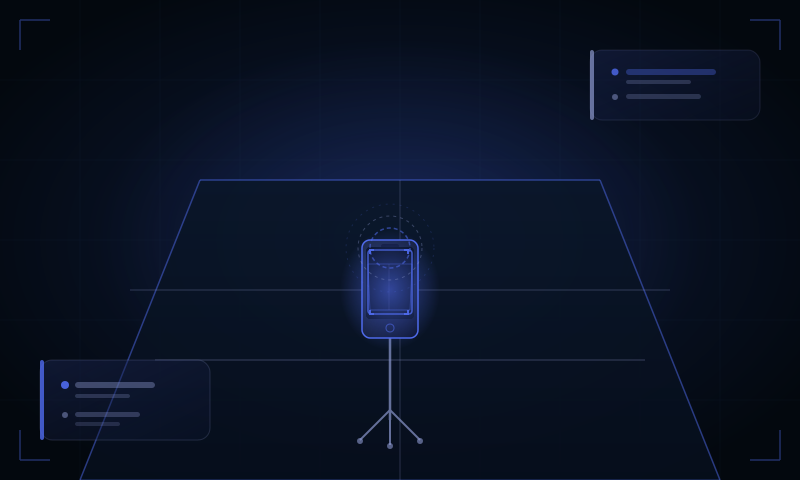
Set up and configure
1

Set Up & Configure

Position your iPhone, configure the court, and start recording the match.
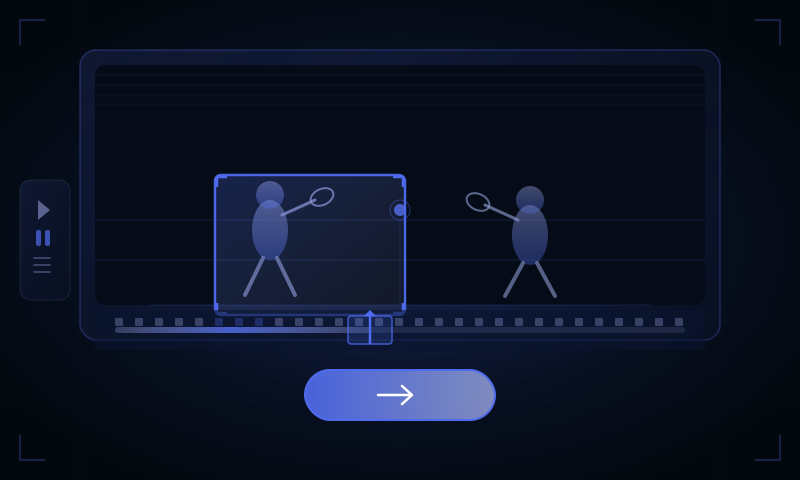
Request a decision
2

Request a Decision

Request a review of a Yes let, stroke, or No Let incident using either the host iPhone or a companion device.

Review and decide
3

Review & Decide

Review the incident, accept or reject the AI recommendation using either the host iPhone or a companion device.

Ready to give it a go?

Join Waitlist Watch Demo